You're building a website, and you want to guarantee it's usable for everyone, regardless of ability. Incorporating accessibility into your web design is vital, as it enhances user experience, improves search engine rankings, and reduces the risk of costly lawsuits. By following established guidelines, such as the Web Content Accessibility Guidelines (WCAG 2.1), you can create a site that's perceivable, operable, understandable, and robust. You'll also avoid common mistakes like insufficient color contrast and missing alt text. By prioritizing accessibility, you'll not only comply with anti-discrimination laws, but also set your site up for long-term success – and that's just the start of creating a truly inclusive online presence.
Key Takeaways
- Accessible web design enhances user experience, expands online presence, and incorporates design principles that prioritize flexibility and clarity.
- Following web accessibility guidelines, such as WCAG 2.1, ensures content is perceivable, operable, understandable, and robust for all users.
- Common accessibility mistakes, such as insufficient color contrast and lack of keyboard navigation, can be avoided by designing for different disabilities.
- Testing and evaluating accessibility through automated tools, manual testing, and user feedback is essential for real-world validation and ongoing usability.
- Implementing accessibility best practices, such as semantic HTML and ARIA attributes, ensures compatibility with assistive technology and promotes inclusive user experiences.
Benefits of Accessible Web Design

Numerous benefits arise from incorporating accessibility into your web design. By doing so, you create a more inclusive and usable experience for a wider range of users, including those with disabilities. This aligns perfectly with the commitment of DreamSite Gurus to enhancing online presence for businesses.
This, in turn, enhances your site's overall user experience. When your site is accessible, users can navigate and engage with your content more easily, regardless of their abilities.
Inclusive design principles prioritize flexibility, simplicity, and clarity, resulting in a more streamlined and intuitive interface for all users. By incorporating accessibility features, such as closed captions and alt text, you also improve your site's search engine optimization (SEO). This is because search engines can more readily understand and index your content.
Additionally, an accessible website facilitates compliance with anti-discrimination laws and regulations, reducing the risk of potential lawsuits and reputational damage. By embracing accessible web design, you not only expand your reach but also enhance your brand's reputation and credibility, ultimately driving business success.
Understanding Web Accessibility Guidelines
To guarantee your website is accessible to the widest range of users, you need to follow established web accessibility guidelines.
These guidelines guarantee that your web content is perceivable, operable, understandable, and robust for all users, regardless of their abilities.
By following these guidelines, you'll create a user experience that's inclusive and accessible to everyone.
Implementing these practices not only enhances usability but also aligns with modern SEO strategies, improving your site's overall performance and visibility in search engine results.
This is essential for driving organic traffic and enhancing user experience, as noted by increased visibility in SEO.
The Web Content Accessibility Guidelines (WCAG) 2.1 provide a thorough framework for creating accessible web content.
Here are three key guidelines to focus on:
- Perceivable: Provide text alternatives for non-text content, such as images and videos, to make sure that all users can access the information.
- Operable: Make sure that all interactive elements, such as buttons and links, can be accessed using a keyboard, and provide clear navigation and instructions.
- Understandable: Use clear and concise language in your web content, and provide consistent navigation and layout to help users understand the structure of your website.
Common Accessibility Mistakes to Avoid
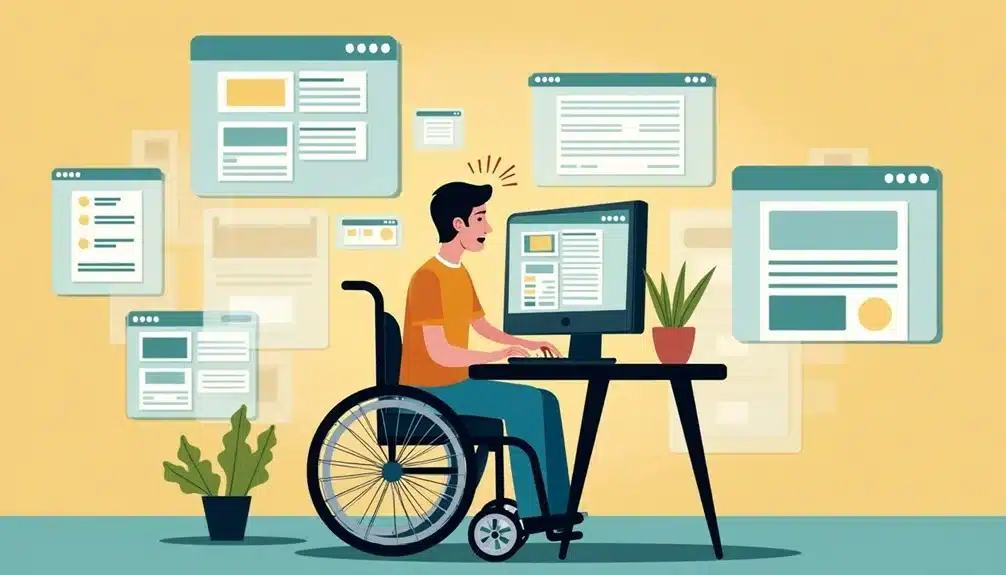
How often do you consider the potential barriers that might be hiding in your website's design? You might be unintentionally excluding users with disabilities by neglecting some vital accessibility features.
One common mistake is insufficient color contrast between text and background, making it difficult for users with visual impairments to read your content.
You should also guarantee that your website can be navigated using only a keyboard, as some users may not be able to use a mouse. Screen readers rely on proper alt text for images, so don't forget to include descriptive text for all graphics.
Focus indicators, such as a blue border around a clicked button, help users with visual impairments understand where they're on the page.
Additionally, form labels are essential for screen readers to convey the purpose of each form field. Without these labels, users with visual impairments may struggle to complete forms.
Designing for Different Disabilities
As you review your website's accessibility, it's also important to contemplate the diverse range of disabilities that your users may have. This includes visual, auditory, motor, and cognitive disabilities, all of which require consideration when designing an inclusive and accessible website.
To cater to these diverse needs, you should incorporate adaptive technology and inclusive design principles into your website.
You can achieve this by considering the following key areas:
- Visual disabilities: Ascertain that your website is accessible to users with visual impairments by providing alternative text for images, using high contrast colors, and allowing users to adjust font sizes.
- Motor disabilities: Design your website to be navigable using assistive technologies such as keyboard-only navigation and switch devices.
- Cognitive disabilities: Use clear and simple language, provide clear navigation and instructions, and avoid using flashing or distracting content that may cause cognitive overload.
Testing and Evaluating Accessibility
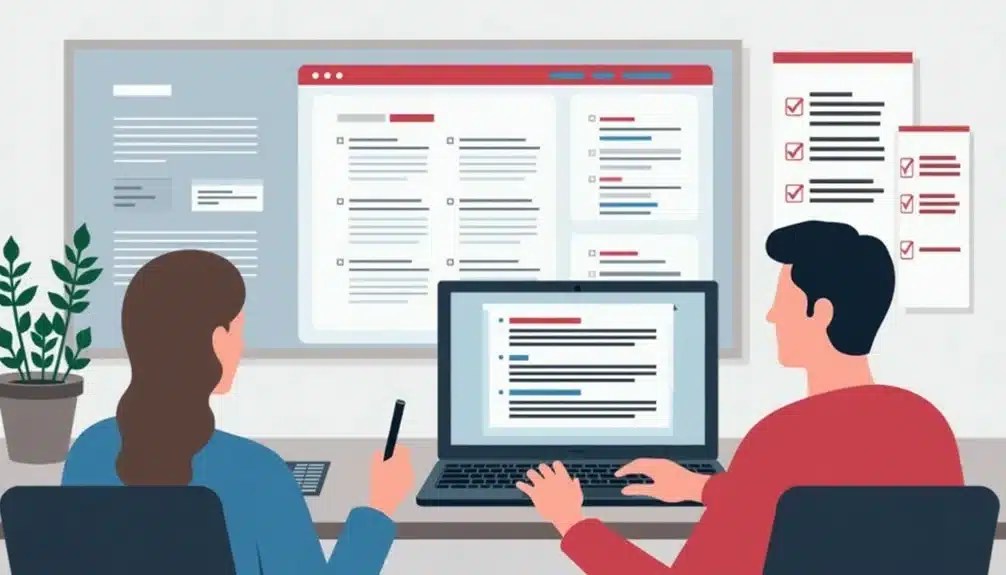
Regularly testing and evaluating your website's accessibility is essential to confirm that it remains usable for everyone, including people with disabilities. You should perform automated testing using tools like WAVE, Lighthouse, or axe to identify potential issues. These tools can scan your website for compliance with accessibility standards like the Web Content Accessibility Guidelines (WCAG 2.1).
However, automated testing isn't enough; you also need to conduct manual testing and gather user feedback to confirm your website is accessible in real-world scenarios. You should involve people with disabilities in your testing process to gather valuable insights and feedback. This can be done through user testing, surveys, or focus groups.
By incorporating user feedback, you can identify and address accessibility issues that automated testing may miss. Additionally, you can use tools like screen readers to simulate the experience of users with visual impairments. By combining automated testing, manual testing, and user feedback, you can confirm that your website is accessible to everyone, including people with disabilities.
This ongoing evaluation process will help you identify and address accessibility issues, confirming that your website remains usable for all users.
Implementing Accessibility Best Practices
You've evaluated your website's accessibility and identified areas for improvement – now it's time to implement accessibility best practices to secure a usable experience for all users.
This involves designing and building your website to work seamlessly with assistive technologies, such as screen readers and keyboard-only navigation. By doing so, you make certain that all users can access and interact with your content.
To implement accessibility best practices, follow these steps:
- Prioritize semantic HTML: Use HTML elements that provide meaning to the structure of your content, such as headings, paragraphs, and lists. This helps assistive technologies understand the context of your content.
- Use ARIA attributes: Add ARIA (Accessible Rich Internet Applications) attributes to dynamic content, such as interactive elements and widgets, to provide a clear description of their purpose and behavior.
- Test with user feedback: Conduct usability testing with users who rely on assistive technologies to gather feedback and identify areas for further improvement.
Conclusion
As you finalize your website's design, remember that accessibility is the master key that opens a world of equal opportunities for all users. Just as a well-built bridge connects two landmasses, an accessible website bridges the gap between users with disabilities and the online world. By implementing accessibility best practices, you're not only complying with guidelines, but also ensuring a seamless user experience that fosters inclusivity, expands your reach, and boosts your online presence.