To create a seamless checkout experience, simplify your checkout form fields by eliminating unnecessary fields and using clear, concise labels. Implement a guest checkout option to save customers time and effort, and offer flexible payment methods like digital wallets and cryptocurrency options. Use a mobile-friendly checkout design and provide clear shipping information, including costs and delivery times. Display trust badges and seals to establish credibility, and send abandoned cart reminders to re-engage customers. By optimizing your checkout process, you can reduce friction, establish trust, and minimize cart abandonment – and that's just the beginning of maximizing your online sales potential.
Key Takeaways
- Simplify checkout by eliminating unnecessary form fields and steps to reduce friction and cart abandonment rates.
- Offer guest checkout options to save time and effort, and promote it clearly on the checkout page.
- Provide flexible payment methods, including digital wallets and cryptocurrency options, to enhance customer satisfaction.
- Display clear shipping information, including costs and delivery times, to set customer expectations and avoid surprise costs.
- Use trust badges and seals from reputable security organizations to establish credibility and alleviate security concerns during checkout.
Simplify Your Checkout Form Fields
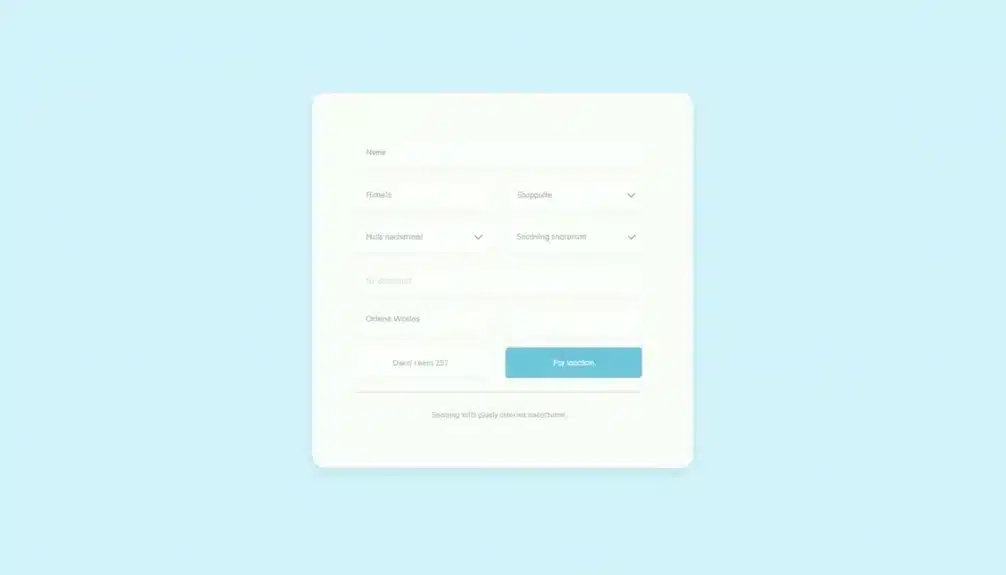
When designing your checkout form, simplifying the fields is essential to reducing friction and cart abandonment rates. At DreamSite Gurus (DSG), we emphasize the importance of a user-friendly checkout experience that aligns with best practices in website development. You want to minimize the number of fields and make each one count. This is where form field optimization comes in – it's all about streamlining your form to make it as user-friendly as possible.
You'll want to start by eliminating any unnecessary fields. Do you really need a customer's phone number or company name? Probably not. Remove any fields that aren't essential to the checkout process.
Next, consider combining fields where possible. For example, instead of separate fields for first and last name, use a single "full name" field.
A well-designed checkout form should be visually appealing and easy to navigate. Use clear and concise labels, and make sure the fields are large enough to accommodate the input.
By optimizing your form fields, you'll be able to reduce friction and improve the user experience. This will lead to lower cart abandonment rates and more completed sales.
Implement Guest Checkout Option
Approximately 25% of online shoppers abandon their carts due to being forced to create an account. By implementing a guest checkout option, you can greatly reduce cart abandonment rates. This approach aligns with industry best practices and reflects the commitment to enhancing user experience that companies like DreamSite Gurus prioritize.
Guest checkout benefits both you and your customers: it streamlines the checkout process, saving customers time and effort, while also increasing the chances of completing a sale.
To implement guest checkout effectively, you'll want to guarantee that the option is prominently displayed on your checkout page. Use clear and concise language to explain the benefits of guest checkout, and make sure the process is seamless and intuitive.
User experience enhancements, such as auto-filling forms and providing a progress bar, can also help to create a smooth and efficient checkout experience. By providing a guest checkout option, you're catering to customers who value speed and convenience, and are more likely to complete their purchase.
This can lead to increased sales, customer satisfaction, and ultimately, a competitive edge in the market.
Offer Flexible Payment Methods
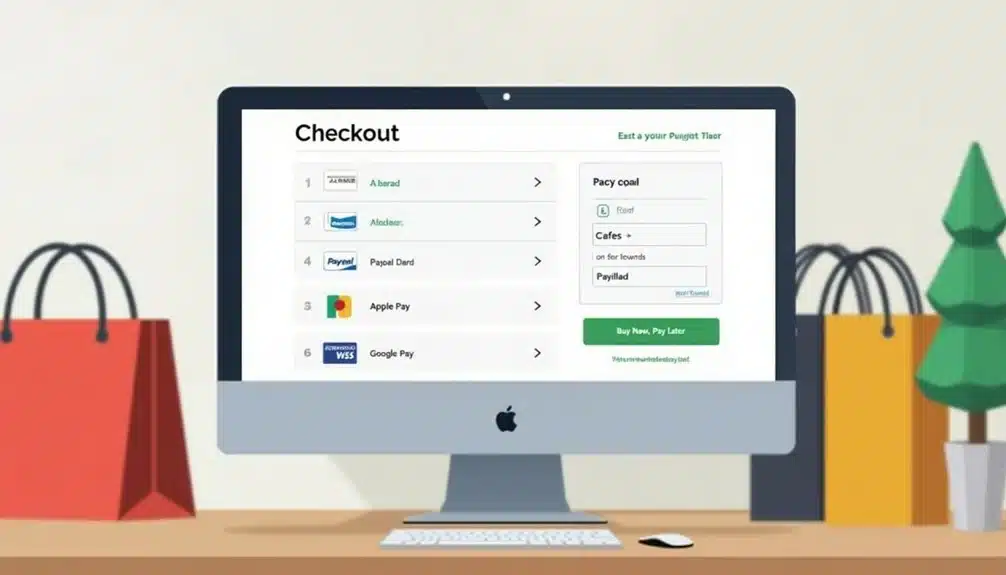
Building on the momentum of a streamlined checkout process, you can further boost conversions by offering flexible payment methods. This means going beyond traditional credit and debit card options to cater to diverse customer preferences.
You can start by integrating digital wallets like PayPal, Apple Pay, or Google Pay, which enable customers to pay with a single click. According to SEO strategies, understanding your audience's preferences can greatly enhance the payment experience.
Consider also incorporating cryptocurrency payments, such as Bitcoin or Ethereum, to attract tech-savvy customers. Additionally, subscription options can simplify recurring payments for customers who make regular purchases. Offer monthly, quarterly, or annual plans, and make sure that customers can easily pause or cancel their subscriptions.
Clearly display the available payment options and associated fees, if any, to avoid surprises during checkout. By providing flexible payment methods, you can increase customer satisfaction, reduce friction, and ultimately drive more sales.
A seamless payment experience is essential to minimizing cart abandonment and maximizing revenue.
Reduce Number of Checkout Steps
Frequently, a lengthy checkout process is a major turn-off for customers, leading to cart abandonment and lost sales. You can minimize this risk by reducing the number of checkout steps. An effective website design can further enhance this process, as demonstrated by innovative solutions tailored to client needs.
Analyze your checkout flow and eliminate any unnecessary steps that don't contribute to the checkout process. This is vital in checkout psychology, as each additional step can erode user motivation and increase the likelihood of cart abandonment.
Streamline your checkout process by combining related steps, such as billing and shipping information. Use auto-fill options to save customers time and reduce errors. Implement a progress bar to visualize the checkout process and keep customers informed about the remaining steps. This will help manage their expectations and maintain user motivation.
Reducing the number of checkout steps will also improve the overall user experience, making it more seamless and efficient. By minimizing the number of steps, you can increase conversions and reduce cart abandonment rates.
Use Mobile-Friendly Checkout Design

Now that you've streamlined your checkout process by reducing the number of steps, it's time to verify that it works seamlessly across all devices, particularly mobile.
You need to guarantee your checkout design is optimized for mobile to cater to the growing number of mobile shoppers. A mobile-friendly checkout design is vital for a smooth user experience.
When designing your mobile checkout, prioritize simplicity and ease of use. Use a responsive design that adapts to various screen sizes and orientations.
Verify that your checkout form fields are easily accessible and require minimal typing. Implement mobile-specific features such as auto-fill, digital wallets, and one-click payment options to expedite the checkout process.
Conduct usability testing to identify pain points and optimize your design accordingly. Effective mobile optimization leads to reduced friction and increased conversions.
Provide Clear Shipping Information
Across the checkout process, clear shipping information is essential for setting customer expectations and avoiding surprise costs. You need to provide detailed information about shipping costs and delivery time to help customers plan and budget accordingly.
Display shipping options and costs upfront, so customers can factor them into their purchase decision. Break down shipping costs into clear components, such as packaging, handling, and shipping fees.
Specify delivery times, including estimated processing time, shipping time, and any potential delays. Use visual elements like maps, calendars, or charts to illustrate delivery times and shipping options. This helps customers quickly grasp the information and make informed decisions.
Consider offering shipping estimates based on the customer's location and the items in their cart. This personalized approach shows you're invested in their shopping experience.
Make sure to update shipping information in real-time, reflecting any changes to delivery times or costs. By providing clear shipping information, you build trust with your customers and reduce the likelihood of cart abandonment due to surprise costs or uncertain delivery times.
Display Trust Badges and Seals
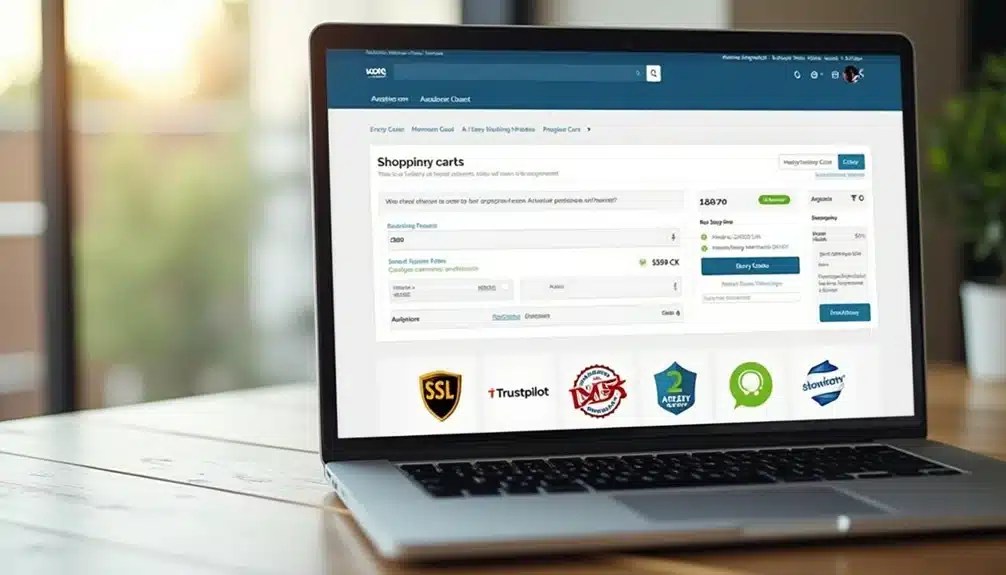
Security concerns are a major obstacle to completing an online purchase. You need to alleviate these concerns to increase conversions. Displaying trust badges and seals is an essential step in establishing trust with your customers.
The trust badge importance can't be overstated, as it instantly conveys that your site is secure and trustworthy.
When choosing a trust badge, consider seal credibility. Opt for badges from reputable security organizations, such as VeriSign or TRUSTe. These badges are recognized by consumers and can greatly increase trust in your site.
Place the badges prominently on your checkout page, ideally near the payment information section. This strategic placement will help alleviate security concerns and increase the likelihood of completing the purchase.
Send Abandoned Cart Reminders
In the event that a customer fails to complete the checkout process, you've likely lost a sale. However, by sending abandoned cart reminders, you can re-engage potential customers and encourage them to complete their purchase.
To maximize the effectiveness of these reminders, use personalized messaging that addresses the customer by name and references the specific products they left in their cart.
When it comes to timing strategies, experiment with different intervals to find what works best for your business. Some e-commerce sites send reminders within an hour of cart abandonment, while others wait 24 hours or more.
Consider triggering reminders based on specific actions, such as when a customer views a product page or adds an item to their cart. Use A/B testing to refine your approach and optimize your reminders for maximum impact.
Optimize Checkout Page Loading Speed

Speed up your checkout process by guaranteeing your checkout page loads quickly. A slow-loading page can lead to frustration and cart abandonment. To optimize your checkout page loading speed, focus on improving your checkout performance metrics.
You can't afford to neglect the impact of a slow-loading checkout page on your customers' experience. Consider the emotional toll of a slow checkout process:
- You're about to make a purchase, but the page is taking forever to load… your excitement turns to frustration.
- You've entered your payment information, but the page is still loading… you start to worry about security.
- You're trying to complete a purchase on a mobile device, but the page is too slow… you give up and leave.
- You've got a limited-time discount, but the page is loading too slowly… you miss out on the deal.
- You're trying to checkout during a peak sales period, but the page is overloaded… you abandon your cart.
Conduct user experience testing to identify areas of improvement and optimize your checkout page loading speed. Aim for a load time of under 3 seconds to guarantee a seamless checkout experience.
Conclusion
You've optimized your checkout process, but the real test is in the numbers. Consider Amazon's 1-Click Ordering, which reduced cart abandonment by 70%. Your goal is similar: create a seamless experience that propels customers forward. By streamlining form fields, offering flexible payments, and showcasing trust badges, you'll reduce friction and cart abandonment. Implement these best practices and watch your conversion rates soar, just like Amazon's lightning-fast checkout.